




Episode 5 of 6: what four sports apps show a fan who missed the event and wants to catch up.
59 minutes after the Dutch GP, the MotoGP app sent a push: “GRAND PRIX RESULTS: Who has emerged victorious? Full results HERE!” Four hours later: “Hear from the 2026 Dutch GP king”, still nameless. Someone clearly thought about the fan who hadn’t watched yet.
Between the two alerts, the home screen’s Moments rail led with a German GP clip, “The Sachsenking finds his crown”, a celebration that all but names Marc Márquez as that race’s winner.
That contrast is spoiler management in sports apps today. The protection is real in one place, and the result is waiting in the next.
For a rights holder, that second tap matters. A fan who meets the score on the home screen has less reason to watch the highlights and replays the organisation paid to produce.
Episode 1 looked at the fan who watched. This time we skipped four live events on purpose (the F1 Austrian GP, the MotoGP Dutch GP, World Cup group matches and MLB games), then opened each app the way a fan who missed it would, logging what appeared and when. We’ll follow that fan through the settings, the result notification, the catch-up content and what’s left the next morning.
(A fair warning in an article about spoilers: we name a few June results below.)
Key findings in 60 seconds
- Spoiler management in sports apps is uneven. Across F1, MotoGP, MLB and the FIFA World Cup 2026 app, only F1 has a dedicated Spoiler Mode, and only F1 and MotoGP write result pushes that hide the winner. All four build strong catch-up content, and none of it hides the result.
- Only F1 has a dedicated Spoiler Mode. MLB's Hide Scores toggle is off by default and three taps deep.
- MotoGP and F1 write their result pushes as teasers. The World Cup app and MLB put the score in the notification.
- Catch-up content is excellent everywhere, but none of it hides the result.
- The morning after brings stale LIVE badges, vanishing match cards and hidden results that look like missing data.
Sports apps build great catch-up content, then put the result in front of it.
| Dimension | F1 | MotoGP | FIFA World Cup | MLB |
|---|---|---|---|---|
| Spoiler setting | Dedicated Spoiler Mode in App Settings | None | None (granular push toggles only) | Hide Scores, off by default |
| Opening the app after a missed event | Full-screen spoiler gate before home | Home screen shows the winner | Score is the first thing on the match screen | Score on the schedule strip |
| Result push | Teaser: "Find out who's on the podium" | Teaser: "Who has emerged victorious?" | Full score in every push | Final score plus winning and losing pitchers |
| Standout catch-up surface | Relive stories, Lap by Lap summary | Moments clips (drama without the result) | 13-slide match Story | Gameday Wrap tab |
Who protects the fan who missed it?
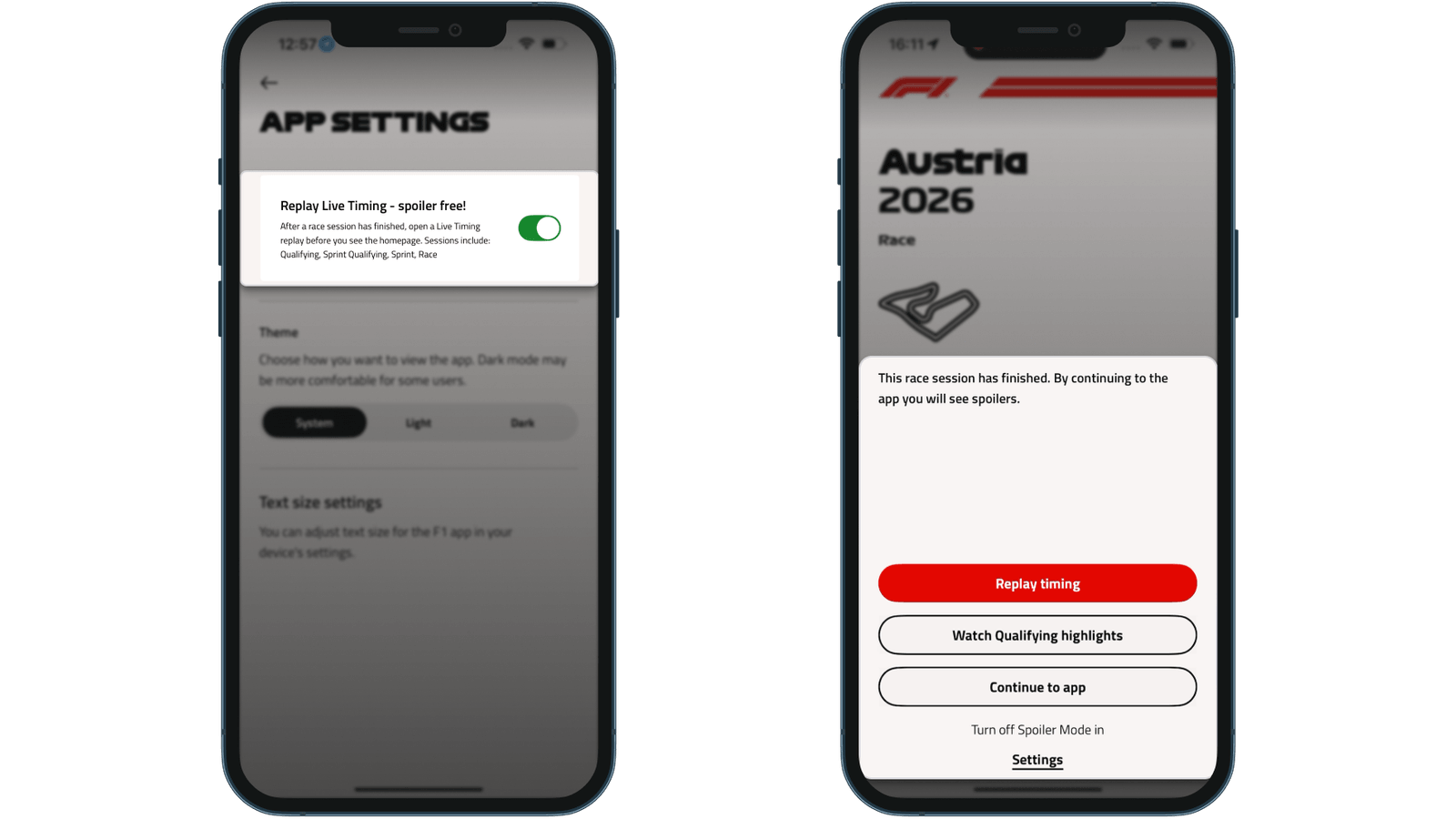
F1 has the most deliberate setup. Spoiler Mode covers Qualifying, Sprint Qualifying, Sprint and Race. Open the app after a session you missed and a full-screen gate appears before the home screen: “By continuing to the app you will see spoilers.”
After the race, the gate offers three buttons: Replay timing, Watch Qualifying highlights and Continue to app.
The gate does a commercial job too. Its main button leads to F1 TV Access at the moment the fan most wants to watch, which turns spoiler protection into a subscription prompt. One detail we’d tune: the free option still pointed to qualifying highlights 33 minutes after the race.
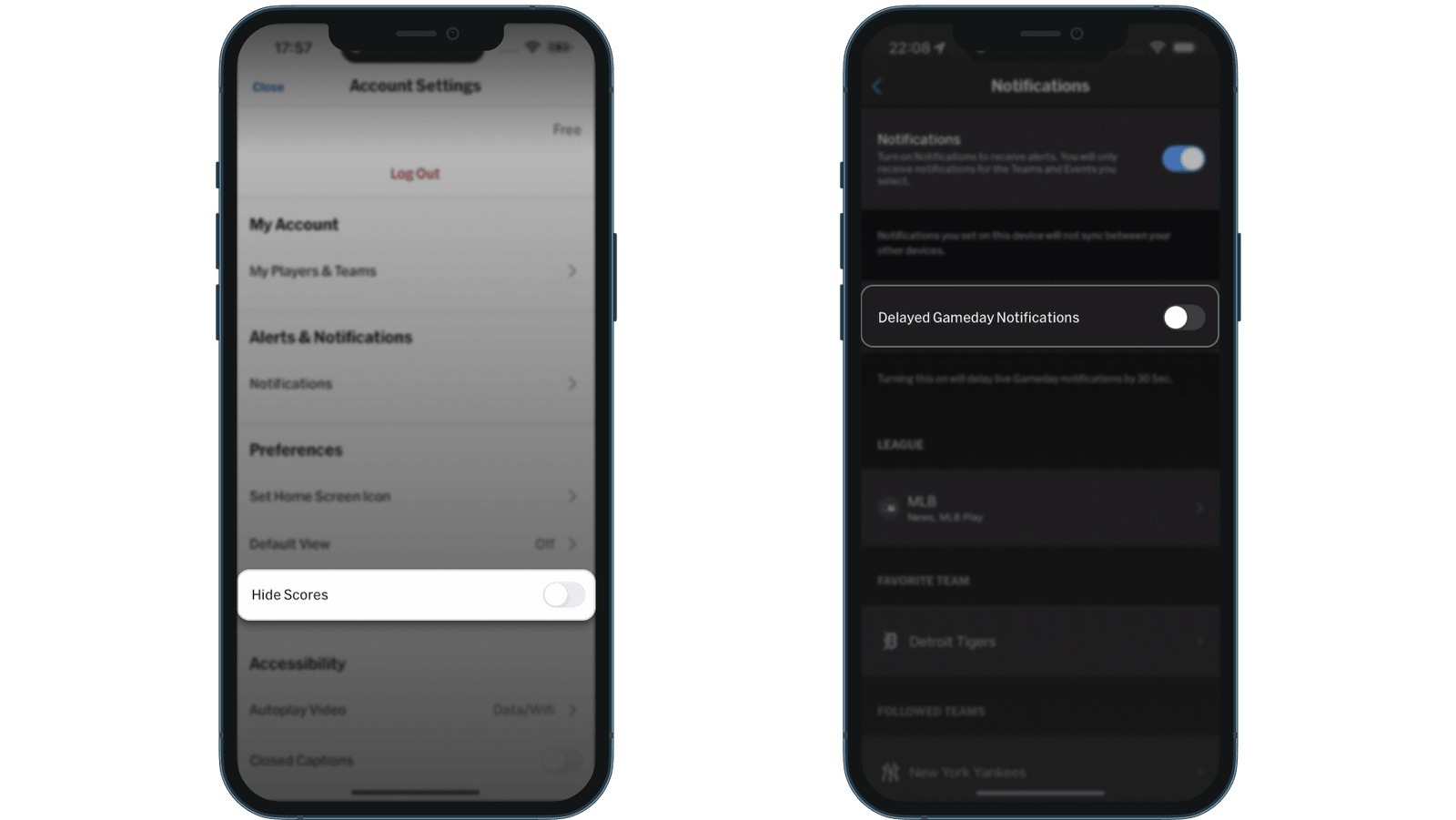
MLB has two thoughtful settings: Hide Scores under Account > Settings, and Delayed Gameday Notifications, which holds pushes by 30 seconds for fans watching on a broadcast delay. Both are off by default, in different menus, and neither mentions the other.
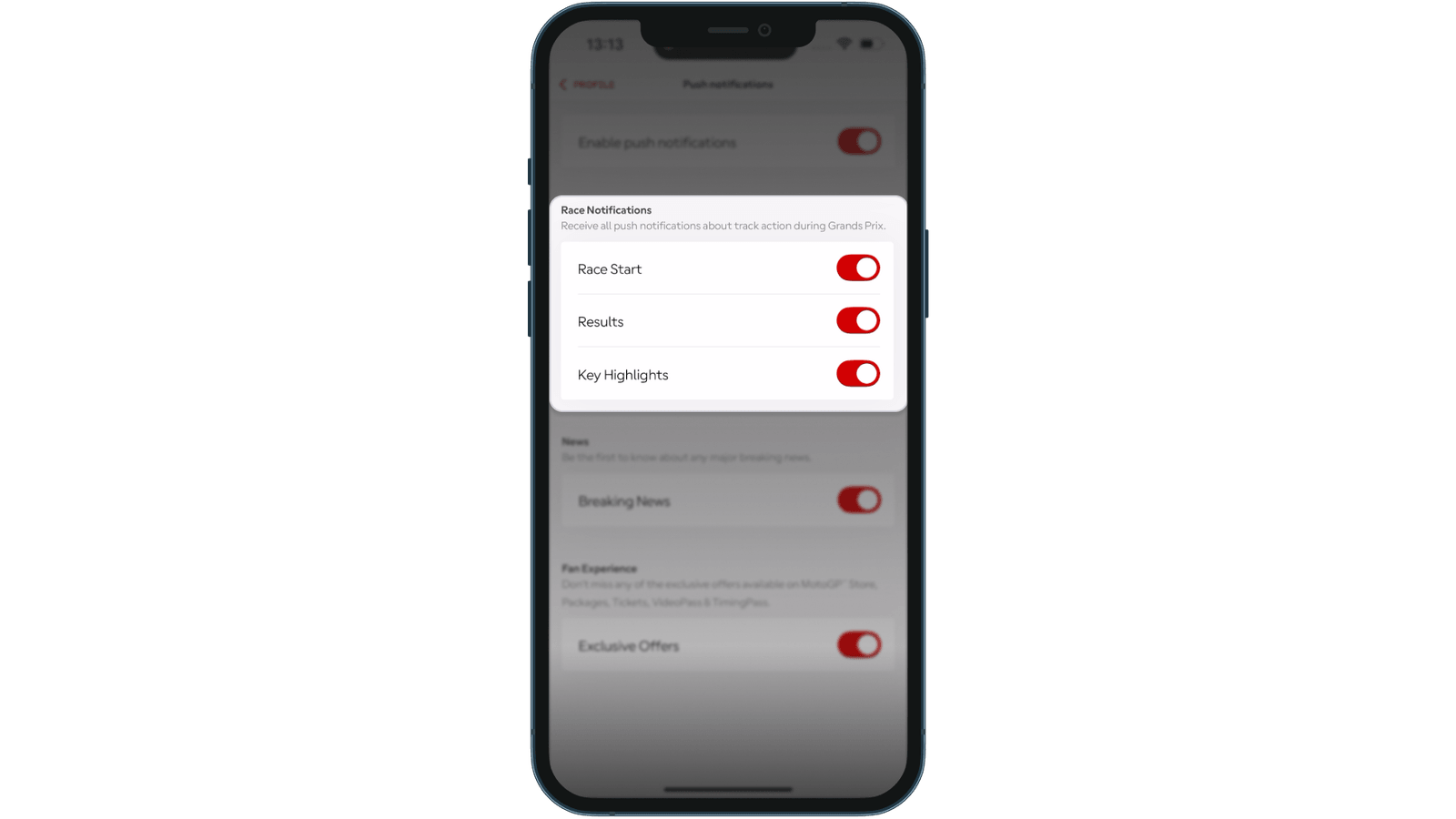
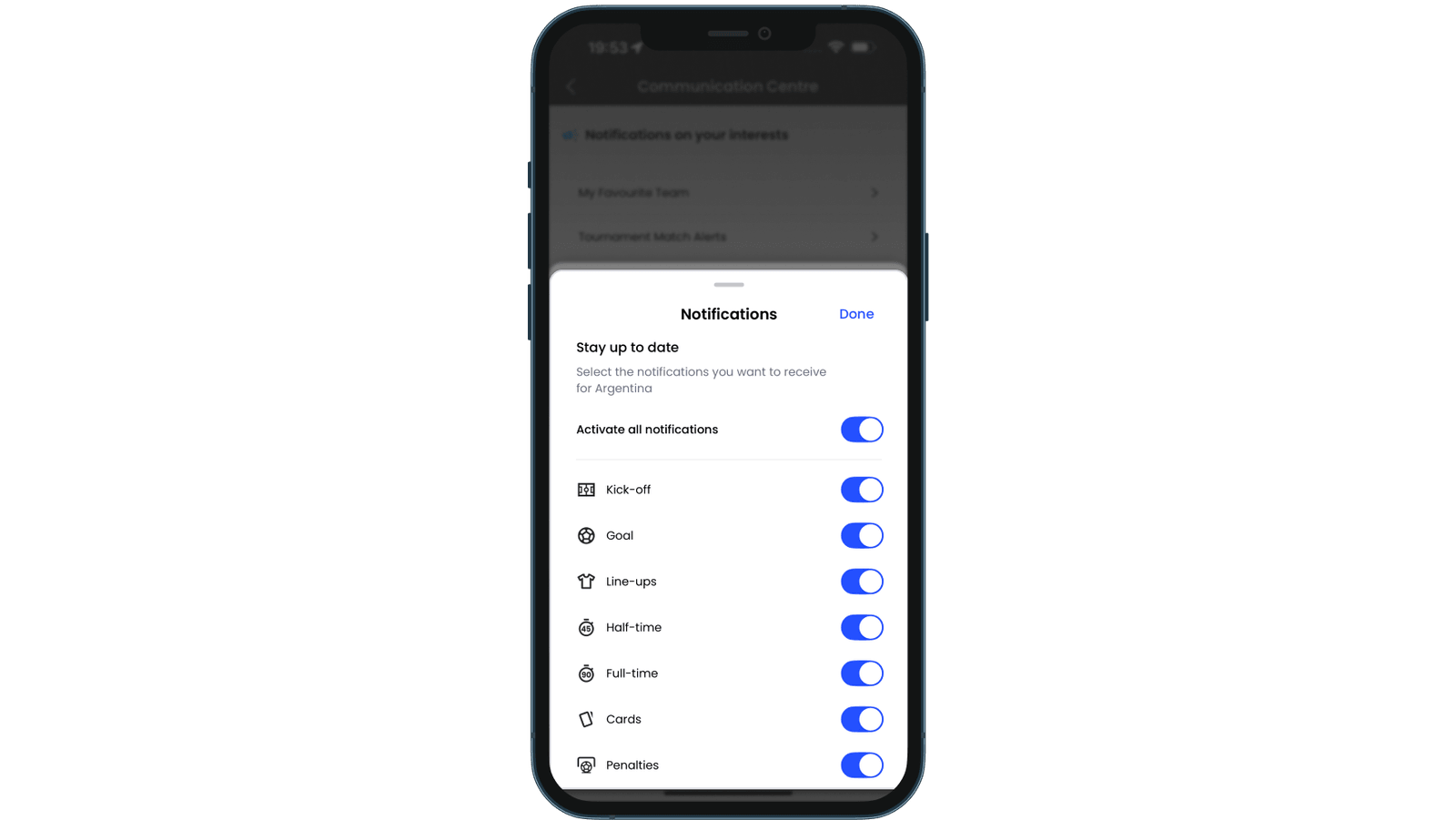
MotoGP and the World Cup app have no spoiler setting. The World Cup app’s seven push toggles decide which alerts arrive, while scores inside the app stay visible.
Without a setting, the notification is usually where a missed result reaches the fan first.
The push notification that keeps the secret
MotoGP writes the best result pushes in the set. Neither of the Dutch GP alerts above names the winner, Ai Ogura.
F1 does the same. Six minutes after the chequered flag, its push read “AUSTRIA - RACE - RESULTS: Find out who’s on the podium in Spielberg”. Its settings warn that race notifications “may contain spoilers”, though one switch covers live and result alerts alike.
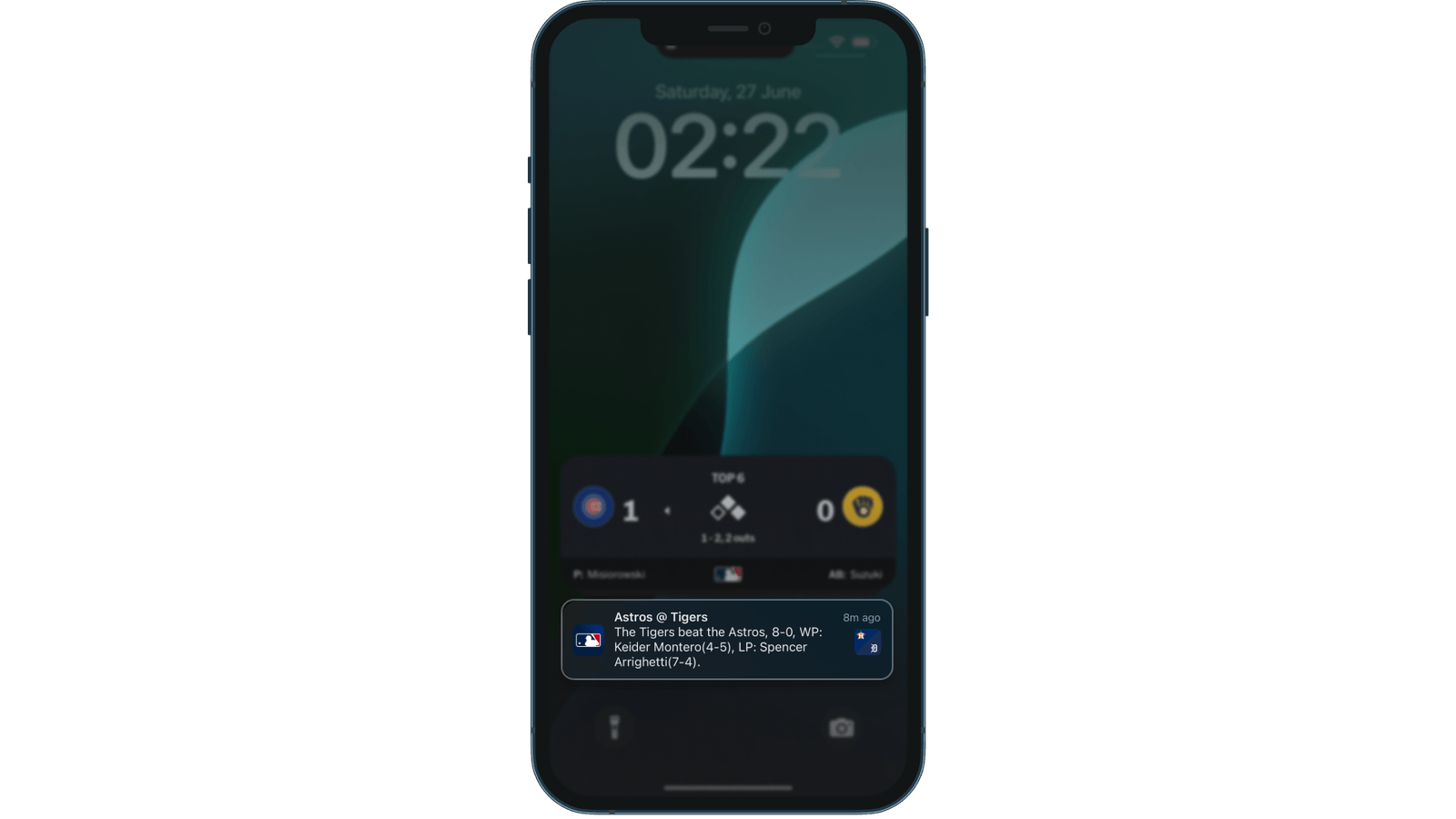
The World Cup app puts the score in every relevant alert, and MLB’s Game End alert, about eight minutes after the final out, reads “The Tigers beat the Astros, 8-0”. That suits a fan following live, but a fan saving the match learns the result from their lock screen.
The two teaser pushes share one gap. Neither result push deep-links anywhere, so the fan lands on the screen they last viewed, which usually shows the result.
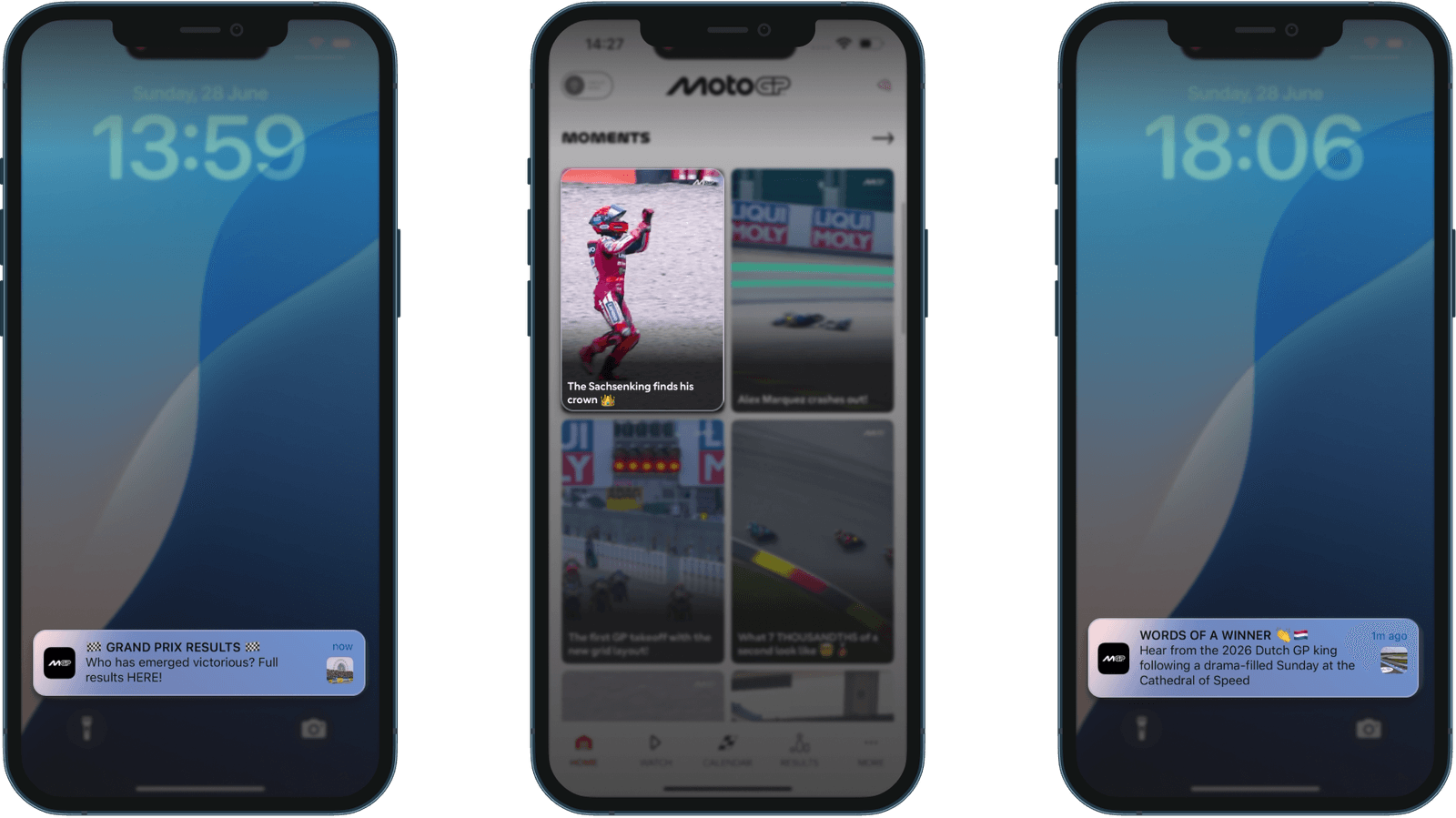
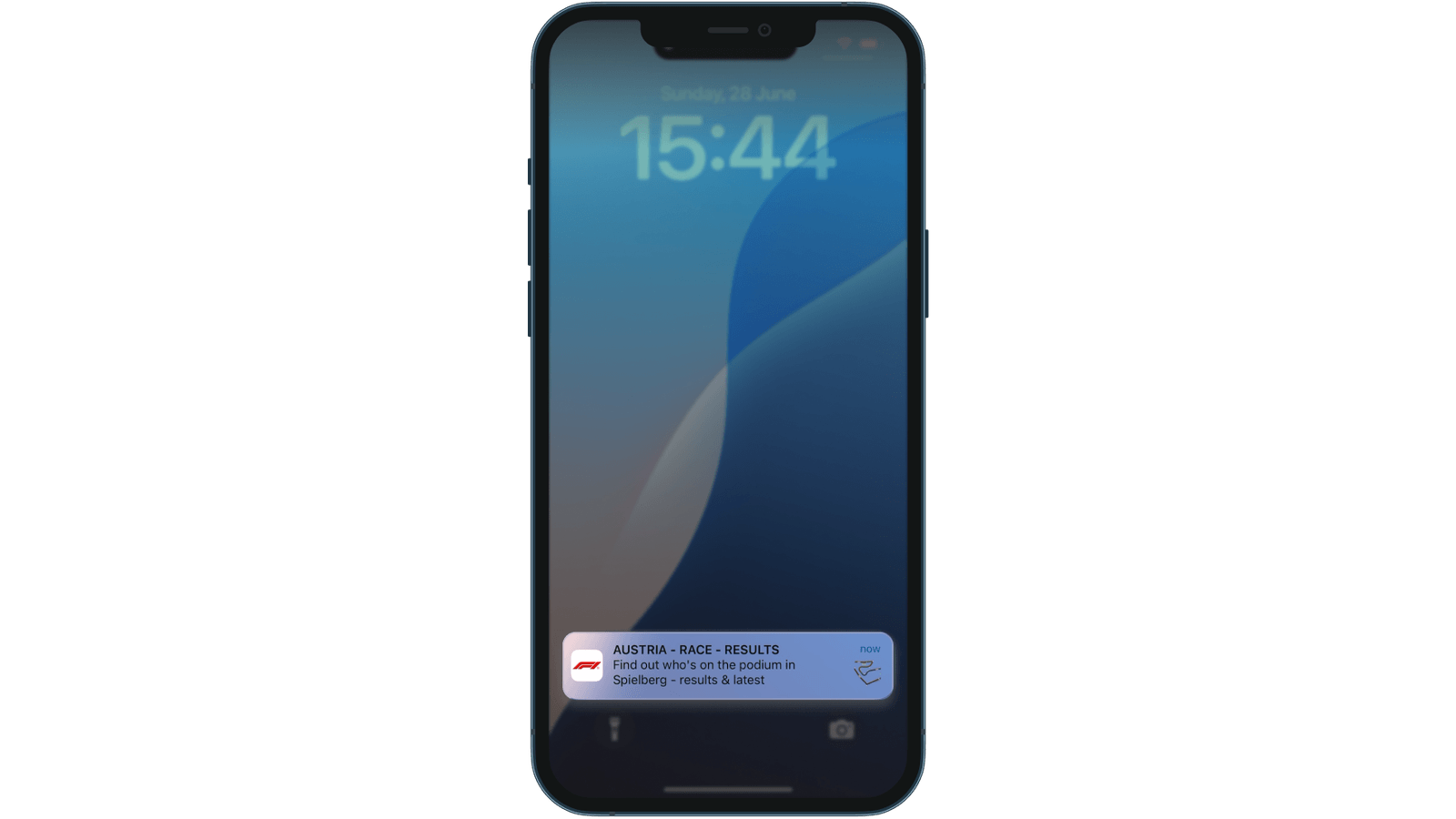
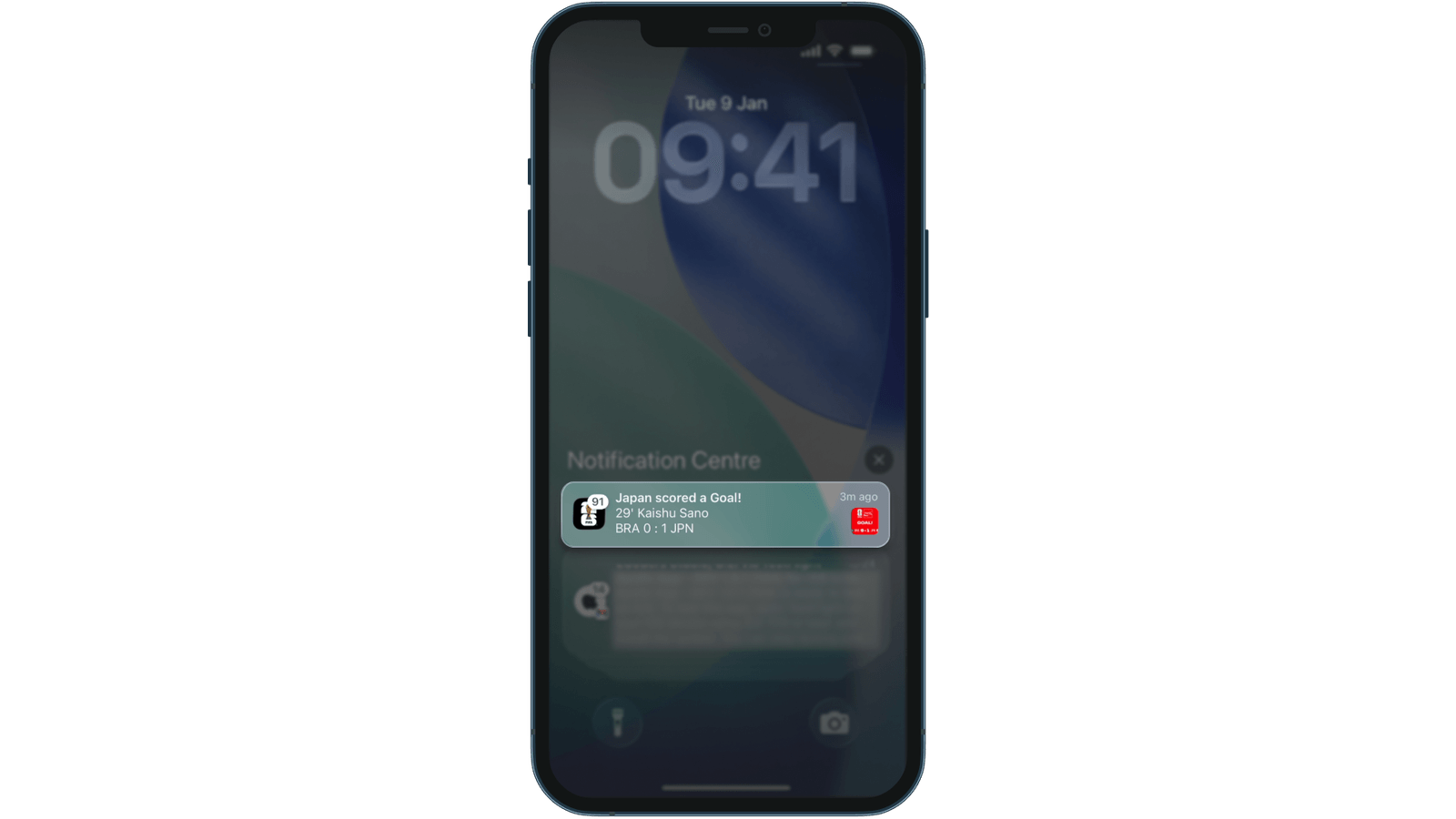
The push protects the fan for exactly one tap. So what’s on the other side?
Great catch-up content, no spoiler shield
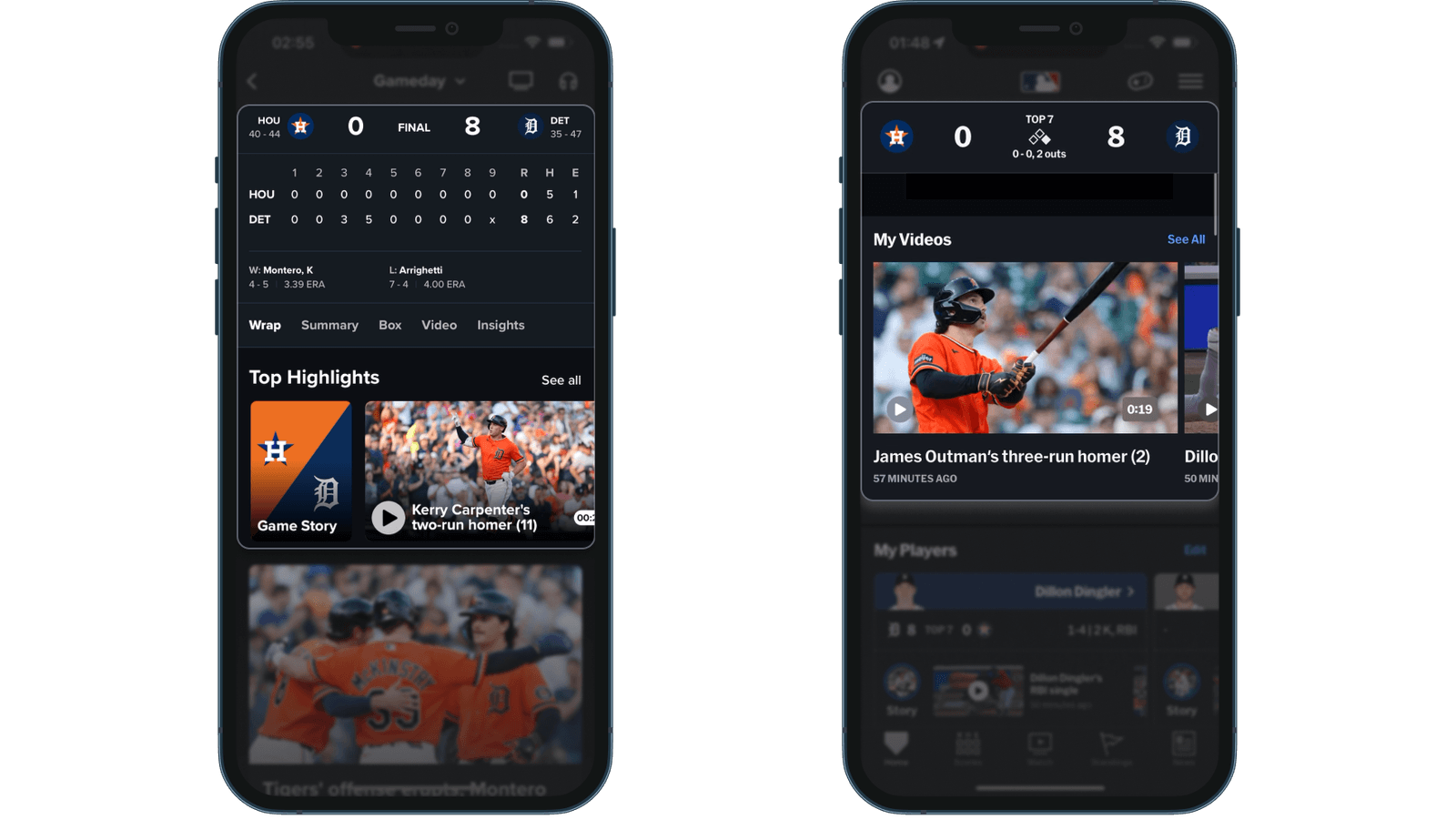
Mostly, very good content. MLB’s Gameday Wrap tab is the best one-scroll catch-up hub in our research: line score, pitchers, highlights, recap and Statcast visuals. The Video tab adds a Condensed Game (10:20).
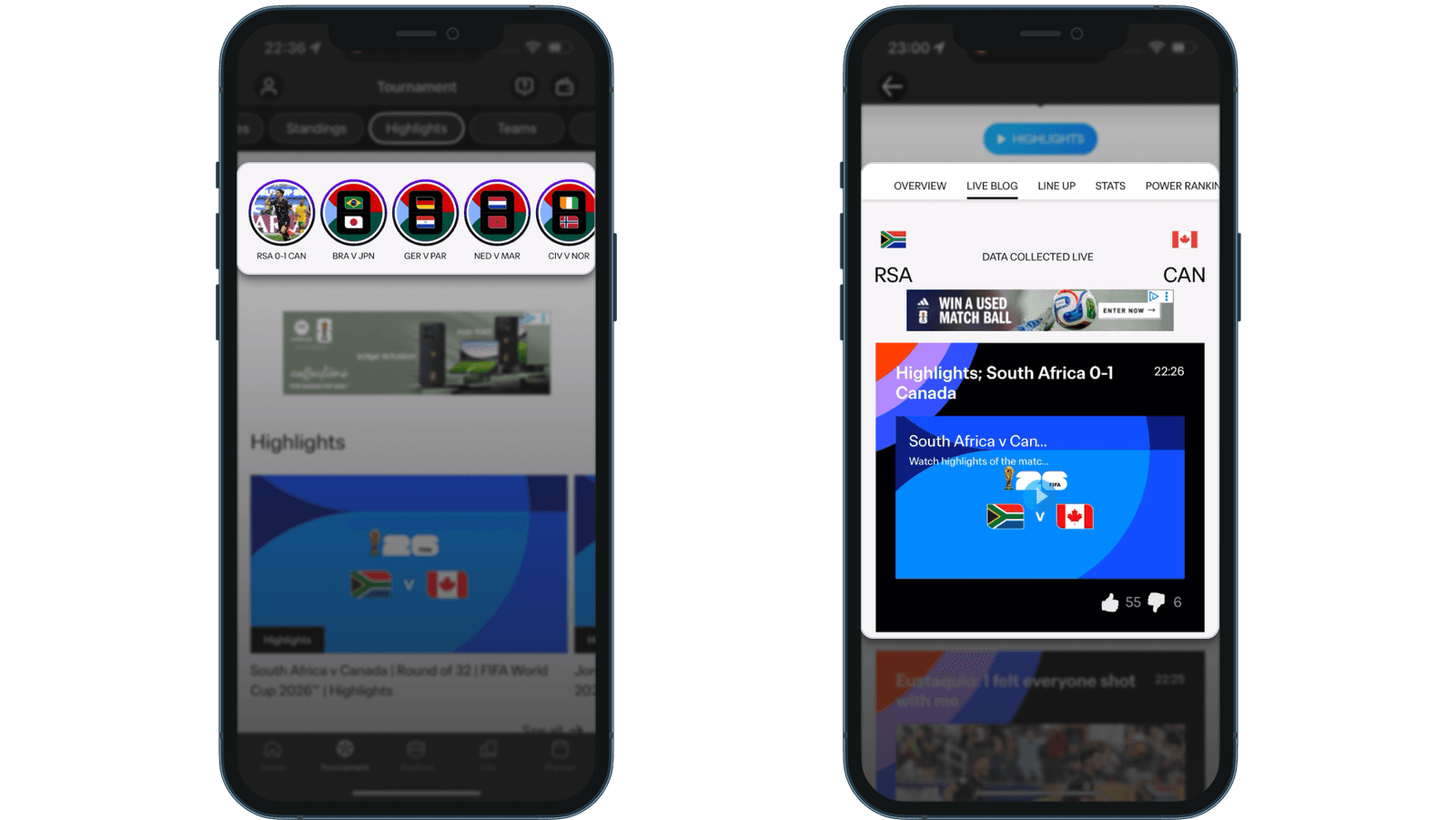
The World Cup app is the fastest. It published six kinds of content within 26 minutes of full time, plus a 13-slide match Story with a “Watch Highlights” button on every slide.
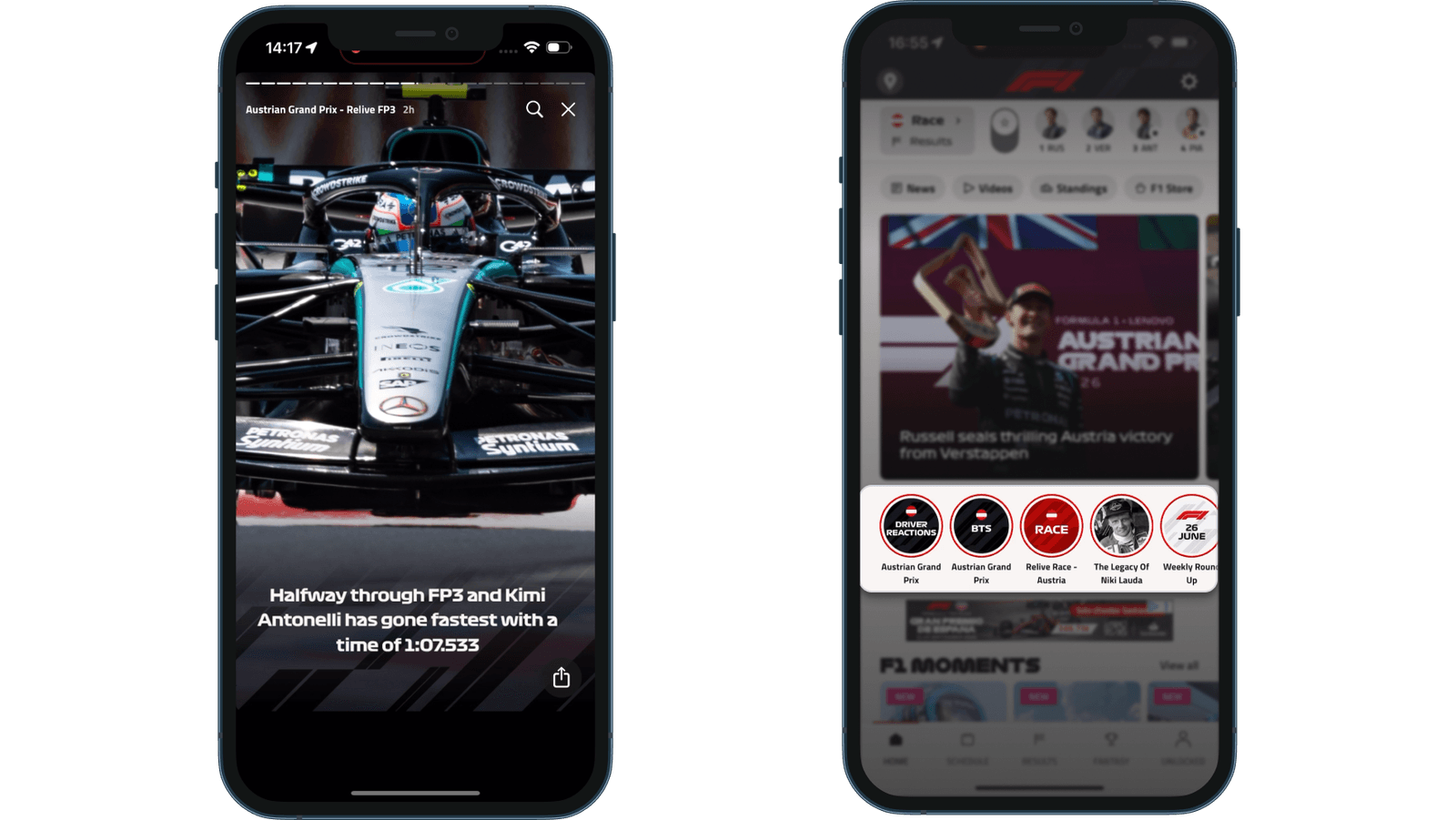
F1’s Relive story rebuilds a session in under two minutes.
The trouble is that the result is printed on the wrapper. In the World Cup app, the story bubbles read “RSA 0-1 CAN” before you tap. MLB titles its videos with the outcome (“The Tigers crush three homers in 8-0 win”), and F1’s Relive Race story shows the winner on its first slide.
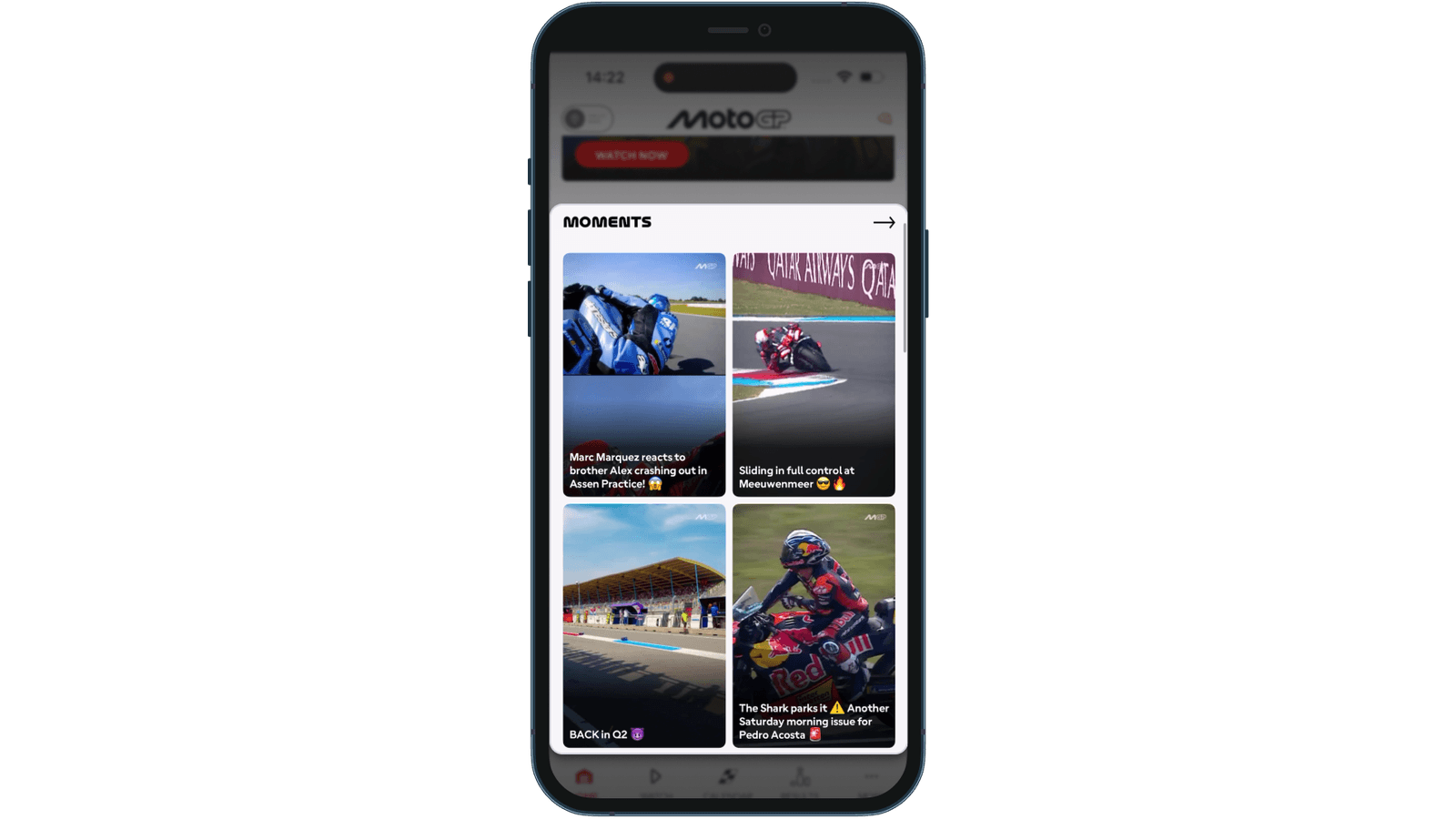
Two apps already point to the fix. MotoGP’s Moments clips lead with drama and leave the result out. MLB’s Around the League rail labels finished games “Final” with no score.
All of this assumes the fan comes back within the hour. Plenty don’t.
The morning after
A fan who missed Sunday’s race often opens the app on Monday morning. For fans in other time zones, that’s the normal way to watch.
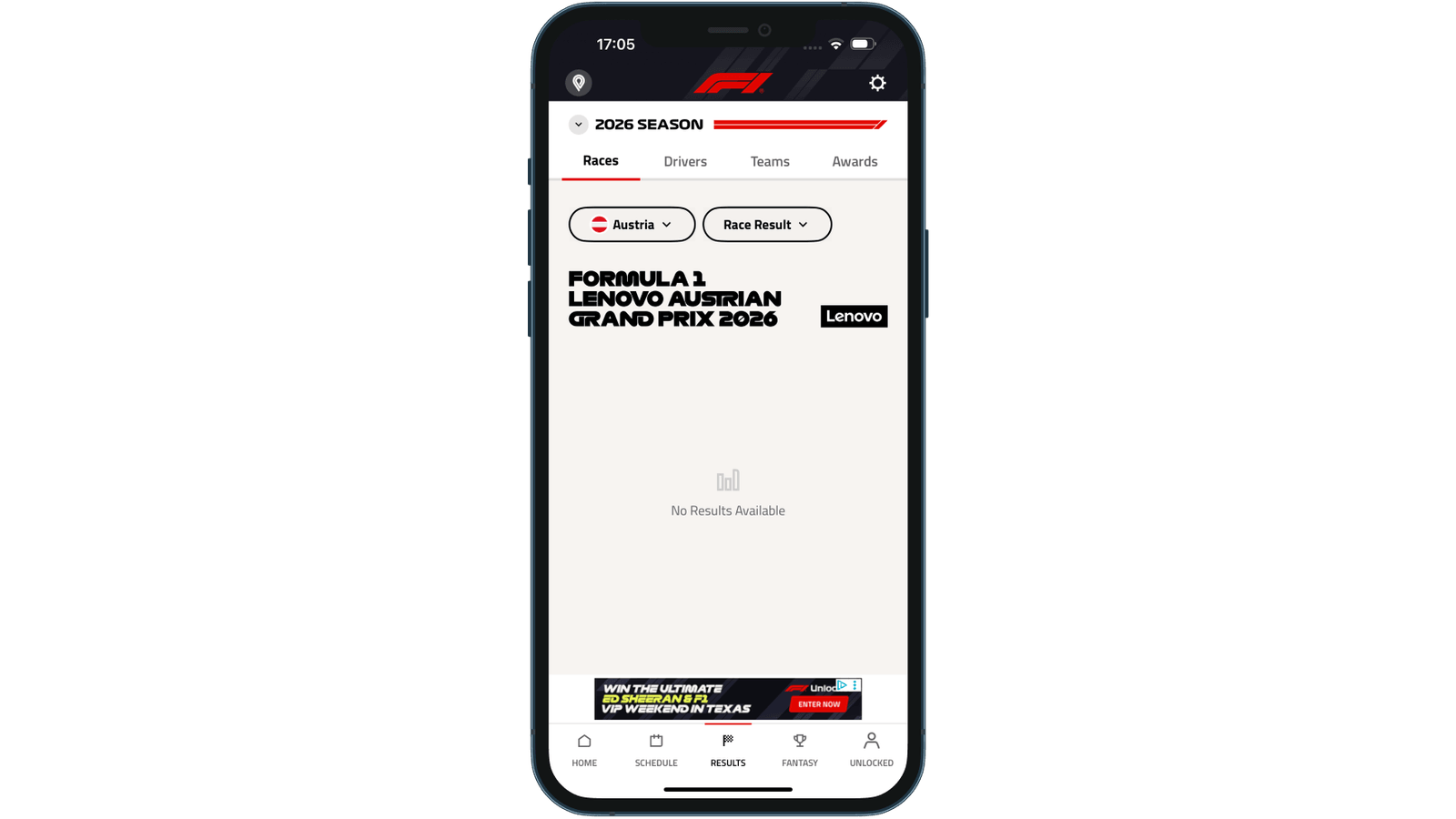
F1’s Spoiler Mode is still working. The Results tab shows “No Results Available” for Race Result, Fastest Laps and Pit Stop Summary. With no explanation or link to the setting, it reads like a data error.
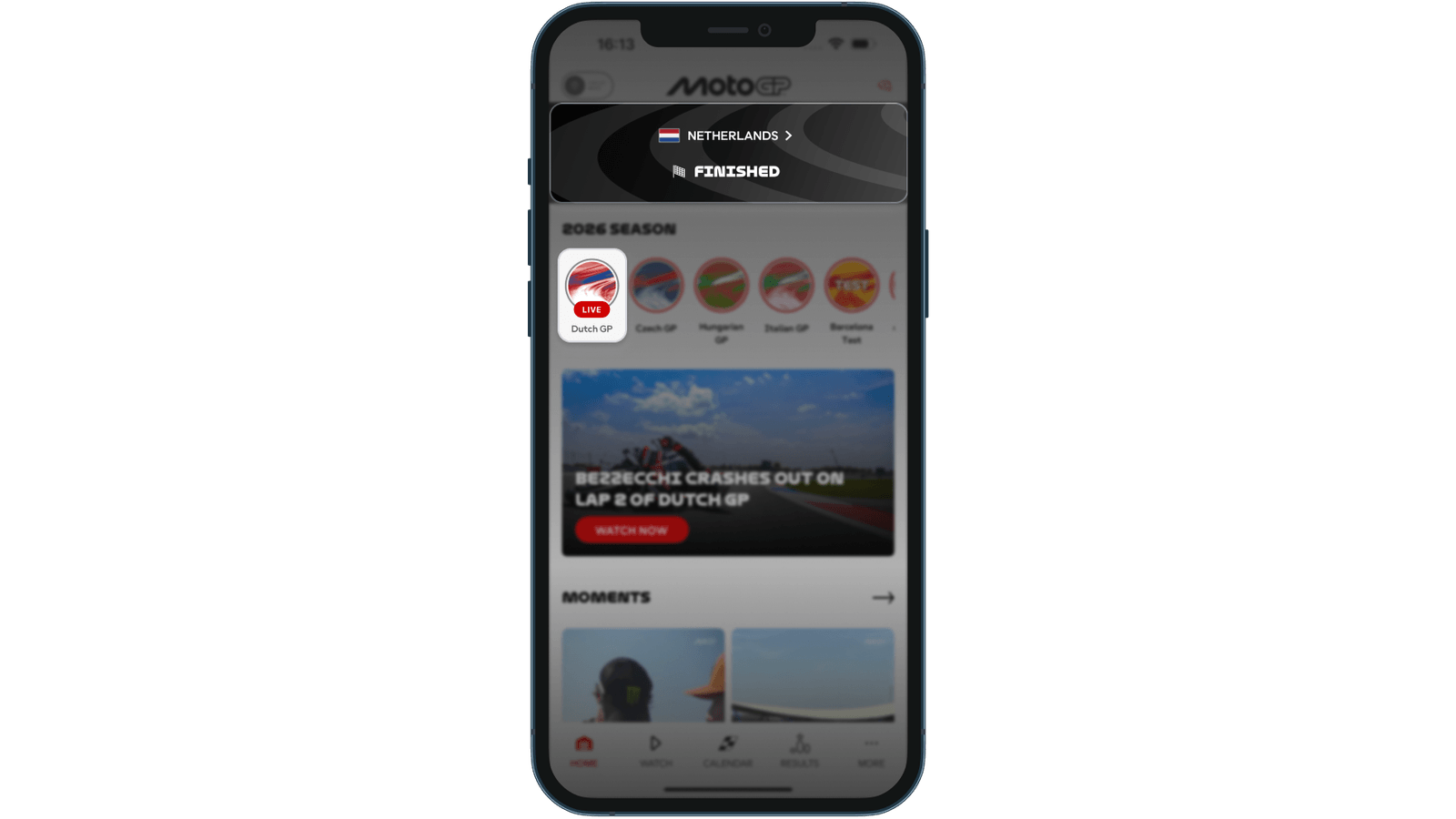
Hours after the Dutch GP, MotoGP’s home banner read “Finished”, while the race’s circle below it still carried a LIVE badge. A week on, the Assen content sat behind 25+ newer items with no event filter.
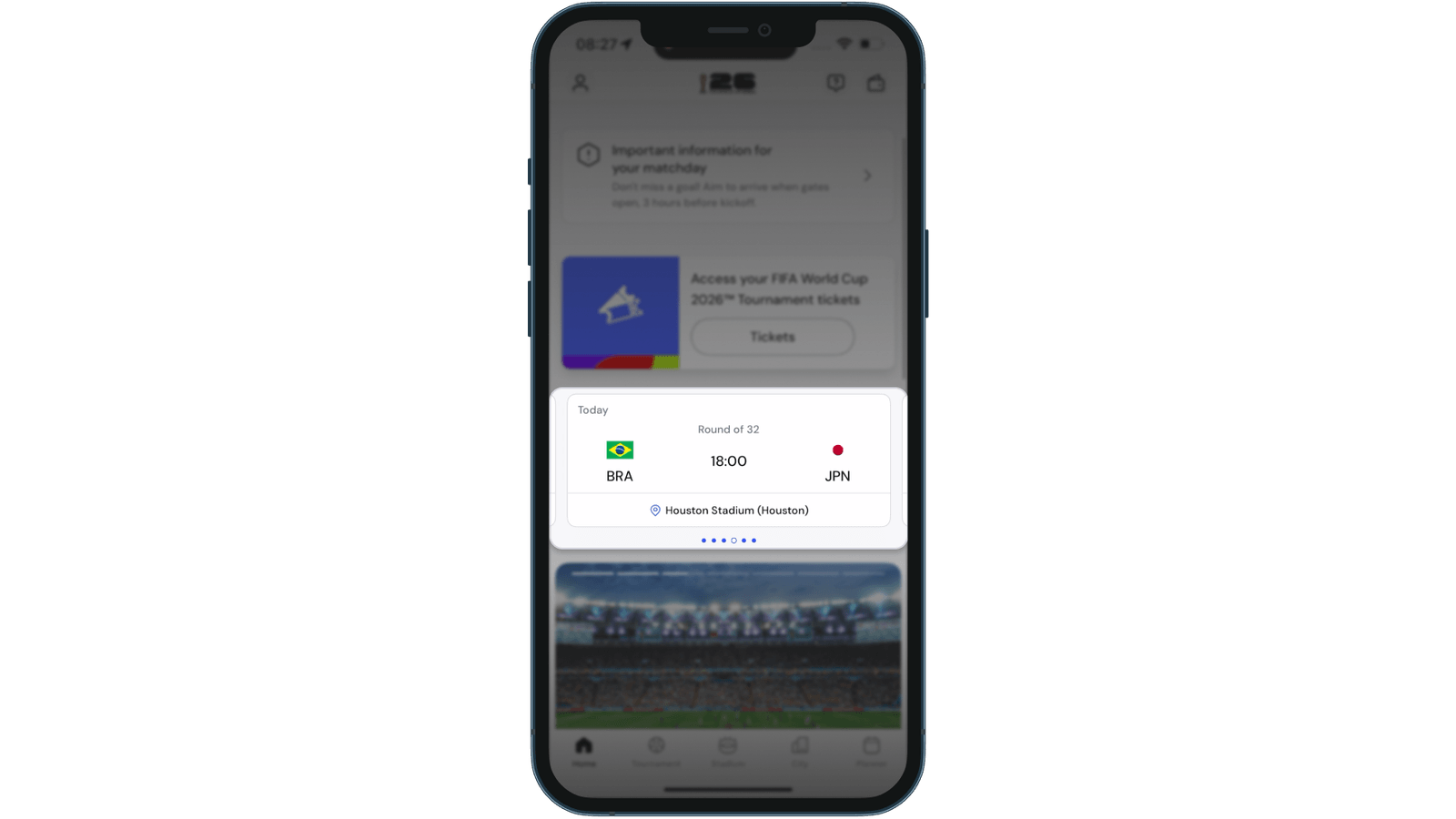
In the World Cup app, the finished match card slipped to fifth on the home screen within 30 minutes and was gone the next day. Relaunching the app jumps straight to the next fixture.
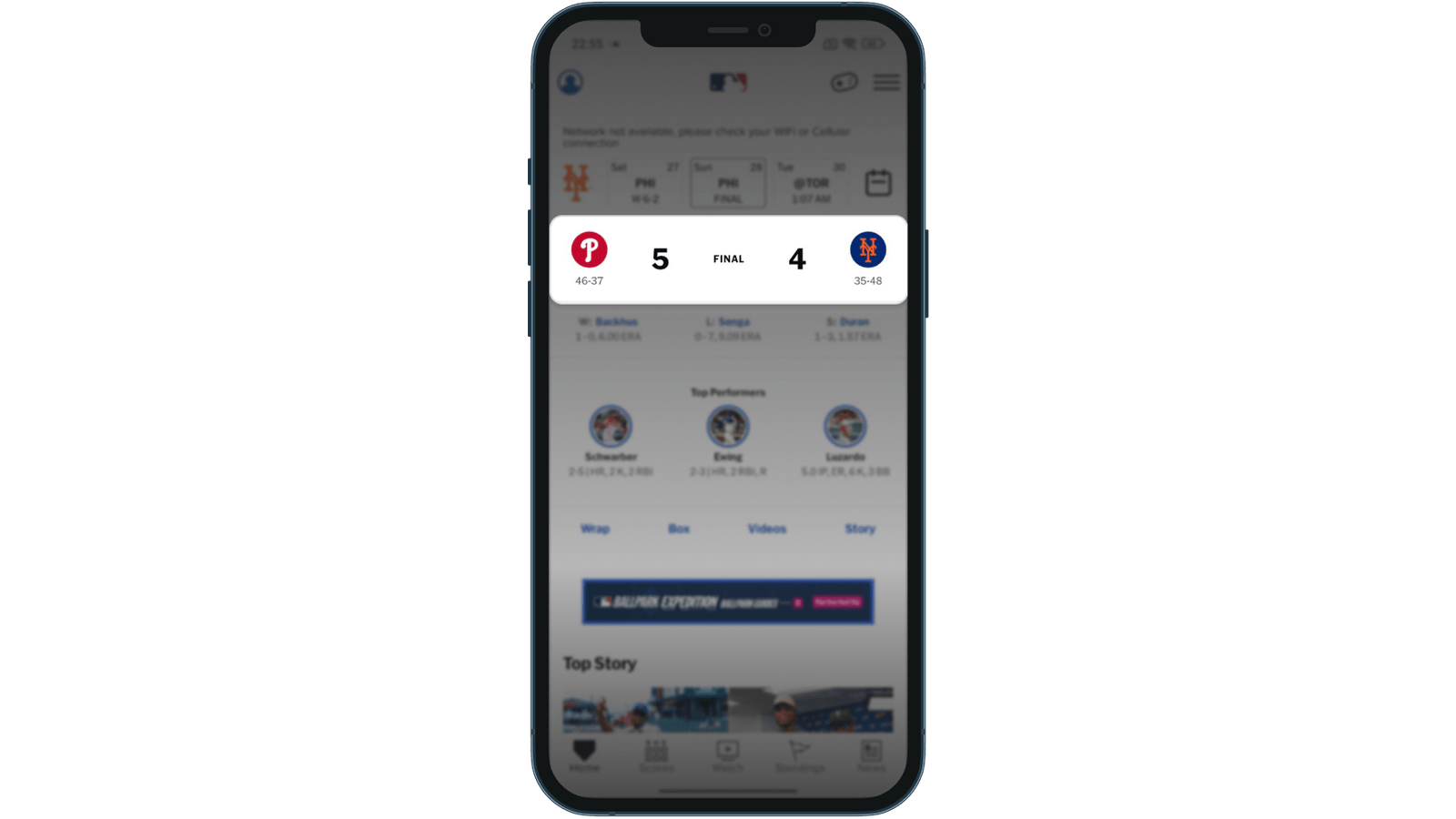
MLB has the cleanest switch from LIVE to FINAL, stable for 14+ hours. But the schedule strip shows the score (“HOU W 8-0”) as soon as the app opens.
What this tells us about spoiler management in sports apps
Each app owns one piece of the answer. F1 has the gate and MotoGP has the push copy and spoiler-light clips. The World Cup app has the speed, and MLB has the catch-up hub.
The spoiler settings and the highlights look like separate features that never meet. The app that joins them, with protection that follows the fan into the content, will set the standard for fans who watch on their own schedule.
An app with a single highlights rail can start today: title the clips neutrally, and say clearly when a result is hidden.
Clips are where spoilers travel next, as fans share them, and that’s where Episode 6 picks up.
How does your app compare?
Score your catch-up experience against what we found.
Frequently asked questions
What is spoiler management in a sports app?
It's how an app protects a fan who hasn't seen the result yet: a spoiler setting, result pushes that don't give the score away, and catch-up content that hides the outcome until the fan chooses to see it. In our testing, only F1 had a dedicated Spoiler Mode.
Which sports app handles spoilers best?
In our testing, F1. It has a dedicated Spoiler Mode, a full-screen gate before the home screen after a session you missed, and teaser result pushes that name no one. One gap: its Relive Race story shows the winner on the first slide.
Why do sports app notifications spoil results?
Most result alerts are written for fans who watched live, so the score is the news. The World Cup app puts the score in every relevant alert, and MLB's Game End alert names the winner. MotoGP and F1 show another way: teaser copy that names no winner.
How can a sports app protect fans who want to catch up later?
Offer one spoiler switch at onboarding and write result pushes as teasers that deep-link to the highlights. Then label catch-up content neutrally ("RSA v CAN"), say clearly when a result is hidden, and keep the finished event on the home screen for at least a day.
This is Episode 5 of 6 in UX Rerun. Catch up on Episode 1, Episode 2, Episode 3 and Episode 4. The full season comes together in our Fan Engagement Benchmark.
Fan Engagement Benchmark